The Zero-Admin Firm: Deploying an AI Secretary to Handle Client Intake, Scheduling, and Document Routing 24/7
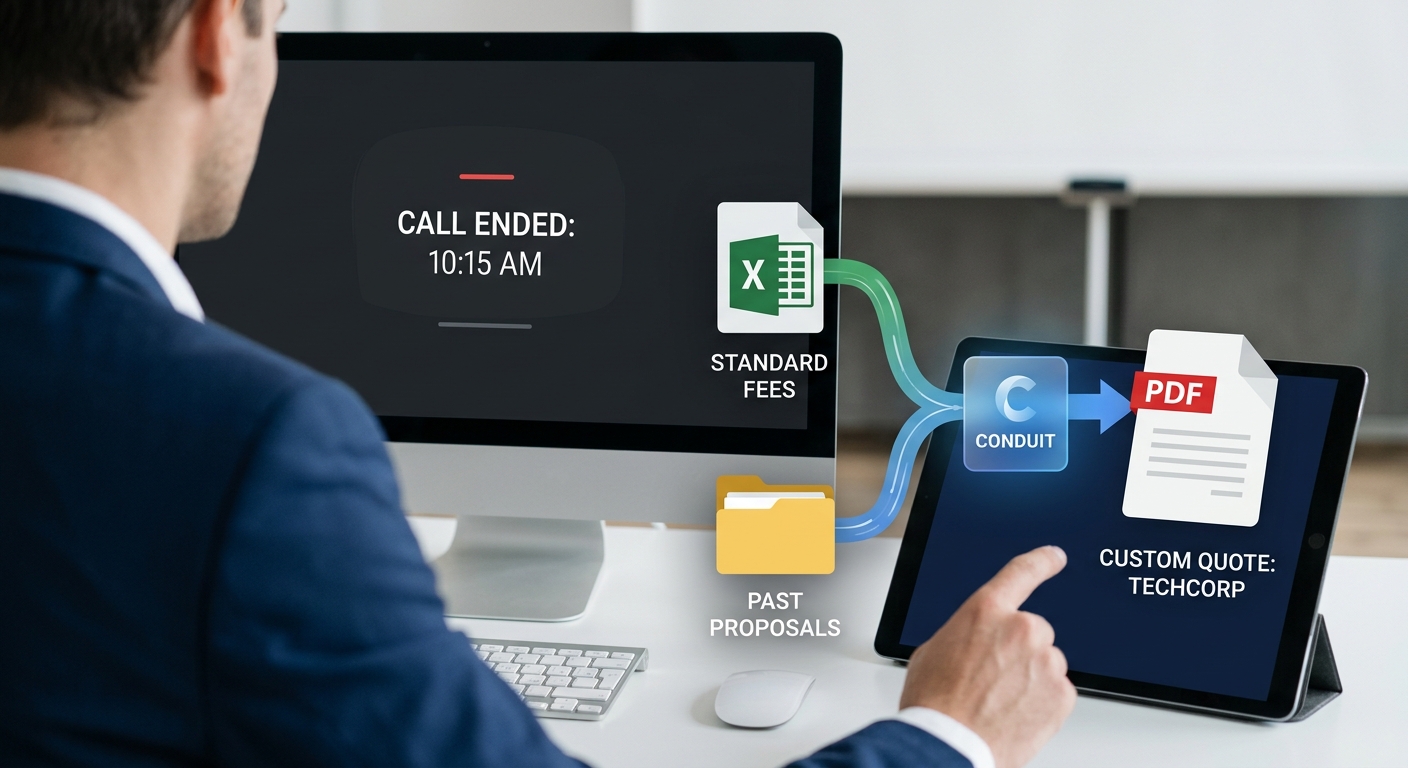
Most service firms do not have a staffing problem. They have an admin gravity problem.
Every new client request creates a chain of manual work: reply, qualify, collect documents, name files, update the CRM, schedule the meeting, confirm receipt, chase missing information, and remind the client again. That is exactly the kind of repetitive, information-heavy workload where SMEs are increasingly using generative AI to improve performance, reduce workload, and compensate for labor and skill gaps.
An AI secretary is the cleanest first deployment for a traditional SMB because it sits directly in the path of this operational drag. It works inside the firm's real stack — email, calendar, document storage, CRM, and messaging — and keeps work moving without requiring the owner to become a software team.
That deployment model is exactly how Raijin.ai frames its offer: discovery, architecture, and deployment of bespoke AI workers that handle inbox, calendar, messaging, and workflow — inside your existing tools, not replacing them.
What an AI secretary actually is
An AI secretary is not a glorified autoresponder.
It is an AI employee that takes ownership of the full administrative chain. See how these capabilities map to specific firm roles and workflows.
The point is not "fewer emails." The point is fewer manual handoffs.
Why this category matters now
Small firms are not ignoring AI because they do not care. They are usually blocked by skills gaps, legal and regulatory concerns, privacy concerns, and uncertainty about fit. The OECD's 2025 SME Outlook found 31% of SMEs already using generative AI, while barriers for non-adopters included work unsuitability, legal concerns, privacy concerns, and lack of employee skills.
That is why the best AI offer for a traditional SMB is not "here's a tool, good luck." It is: we map your workflow, deploy the worker, and make it useful inside your existing operations.
For small law firms, the adoption pattern is especially clear: mid-sized firms are ahead, while solo and small firms adopt more slowly — largely because of budget, time, and implementation constraints. But across firm sizes, legal professionals expect AI use to grow and cite efficiency and time savings as core benefits.
For small accounting firms, AICPA's guidance for small firms is direct: AI and automation help firms expand capacity, reduce stress, and do more with existing staff, through affordable, subscription-based, incrementally implementable tools.
The core jobs an AI secretary should own
The best AI secretary does not try to do everything. It takes ownership of the most repetitive operational lanes first. These map directly to the AI worker roles Raijin.ai deploys for service firms.
1. Client intake
The AI secretary takes full ownership of the intake chain:
2. Scheduling
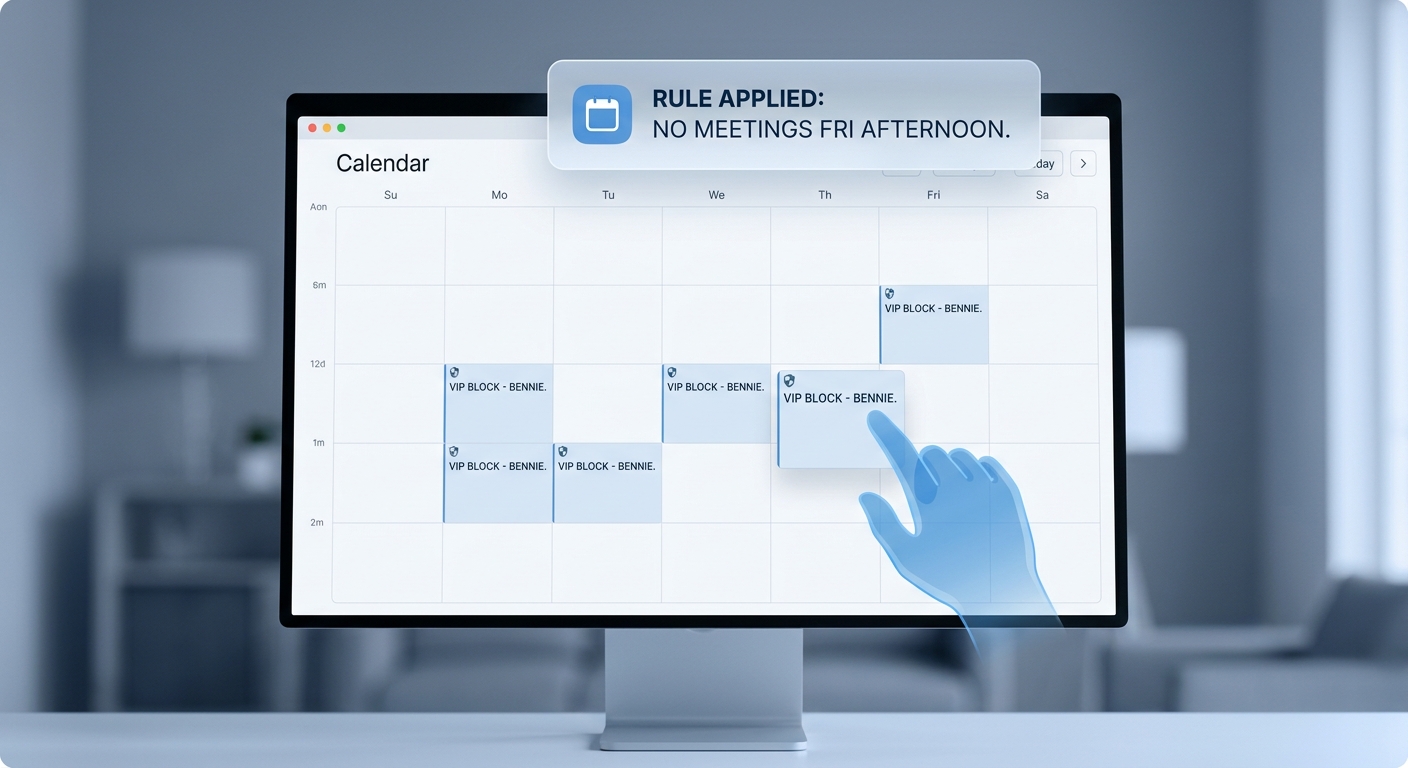
From first request to confirmed calendar slot, without email ping-pong:
3. Document routing and classification
Every inbound file is handled end-to-end:
4. Follow-up and status management
Nothing falls through the cracks:
How an AI secretary handles one inbound email
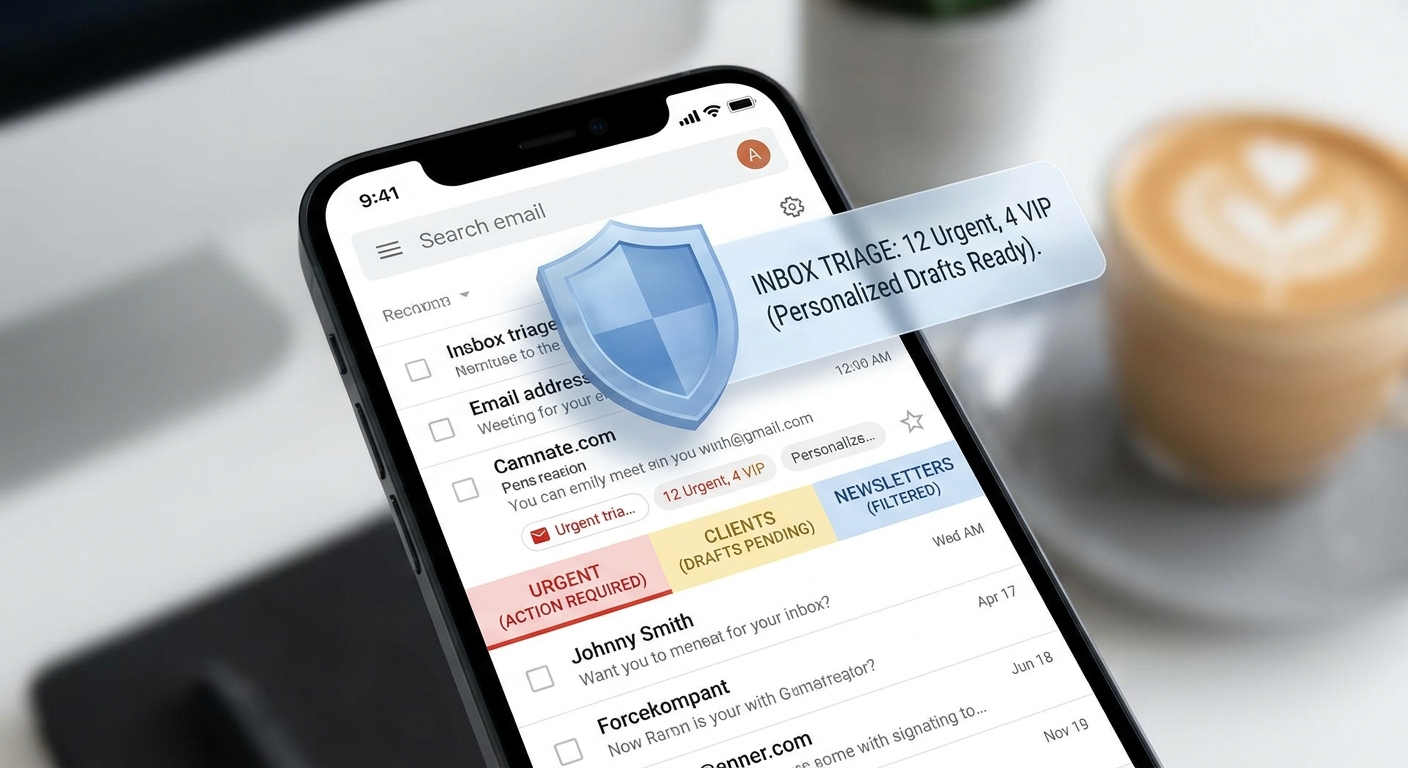
From the moment a message arrives to the moment the follow-up loop is running, here is the full sequence:
Email arrives
A client or prospect sends a message with or without attachments.
AI reads intent
Checks sender, thread history, subject, body, and prior interactions to classify the request.
Attachment inspection
Evaluates filename, visible document text, form structure, and client context to classify the file.
Record matched
Determines whether this belongs to an existing client, matter, deal, or needs a new preliminary record.
File routed
Renames the document and places it in the correct folder, client record, or matter workspace.
System of record updated
Writes metadata back — received date, client name, matter, document type, workflow stage, responsible owner.
Reply drafted
Prepares a confirmation that acknowledges receipt, states next steps, and requests anything missing.
Rule applied
Low-risk confirmations auto-send. Sensitive items are held for human approval.
Follow-up loop begins
If the sender still owes a signature, ID, or missing page, reminders are scheduled automatically.
Action logged
Every decision is traceable — the kind of control-oriented approach small firms need when adopting AI responsibly.
What this looks like in a real firm
Law firm example
A prospective client emails a signed intake form and three PDFs. The AI secretary identifies the likely practice area, creates a preliminary intake record, routes the files into the right intake folder, drafts a confirmation email, proposes a consultation slot, and escalates only if the matter appears sensitive, incomplete, or conflicted.
This fits the broader small-firm legal adoption pattern, where accessible AI is most useful when it reduces routine admin work rather than trying to replace legal judgment.
CPA firm example
A client forwards payroll records and asks whether everything was received. The AI secretary confirms the client identity, classifies the attachments, routes them into the engagement folder, updates the work status, drafts a confirmation reply, notices one missing file, and asks for it automatically.
That is almost a textbook example of the capacity-building AI workflow AICPA is urging small firms to focus on: start with real bottlenecks, especially manual, repetitive, information-heavy tasks.
Wealth management or insurance example
A client emails a form update and asks for a review meeting. The AI secretary classifies the request, stores the document correctly, creates a follow-up task, offers calendar options, drafts a measured response, and preserves human review for anything advice- or compliance-sensitive.
What should stay human
A real AI secretary should reduce admin work, not pretend to be a licensed professional. The human-in-the-loop model is not a compromise — it is the correct design.
Human admin vs. AI secretary
| Function | Manual workflow | AI secretary workflow |
|---|---|---|
| Inbox triage | Staff reviews everything | Automatic classification |
| Intake acknowledgment | Delayed by workload | Immediate response |
| Scheduling | Email ping-pong | Calendar-aware options |
| File naming and saving | Manual | Rule-based routing |
| CRM updates | Inconsistent | Automatic writeback |
| Missing document follow-up | Easy to miss | Automated reminders |
| Status visibility | Spread across people | Logged workflow state |
| Coverage | Office hours | 24/7 |
The real ROI
Most firms ask the wrong question: "How many admin hours does this save?" The better questions are the ones that measure business outcomes directly.
How much faster is first response?
How many fewer leads go cold?
How much cleaner is the client record?
How many fewer tasks are dropped?
How often are partners interrupted for clerical work?
How much more billable time is recovered?
That is the real economics of the zero-admin firm. The AICPA's current guidance frames this correctly: AI and automation give small firms a way to do more with existing staff, respond faster, and focus team time on higher-value work instead of repetitive administrative handling.
That is why a consultative deployment model matters more than a shiny demo. The firms that benefit most are the ones with valuable human time, repeated inbound requests, and no internal engineering capacity to stitch all this together themselves. You can also see how this compares to AI-driven content operations — another common first deployment for SMBs.
Who should buy this first
The strongest buyers share a structural pattern: high-margin expertise paired with low-margin administrative drag. See the full use cases breakdown or review the engagement models to understand how a deployment is scoped.
The shared pattern across all of them:
FAQ
What is an AI secretary for business?
An AI secretary is an AI worker that handles repetitive administrative workflows such as client intake, scheduling, document classification, routing, reminders, and draft replies.
Can an AI secretary automate client intake?
Yes. It can classify the request, gather missing details, create a structured intake summary, route files, and prepare the first response — without any manual intervention for standard requests.
Can an AI secretary route PDFs automatically?
Yes. With the right rules and integrations, it can inspect the message, classify the document, rename the file, place it in the correct folder or record, and log the action.
Is this useful for law firms and CPAs?
Yes. Small law firms are adopting AI more slowly than larger firms but are especially motivated by efficiency and time savings. Small accounting firms are being advised by AICPA to use AI and automation to expand capacity, reduce stress, and address real workflow bottlenecks.
Do I need custom software to do this?
Not necessarily. AICPA's small-firm automation guidance explicitly notes that many cloud tools and APIs can be connected through low-code or no-code systems, letting firms start small without building a full software team. That is exactly how Raijin.ai works.
READY TO REMOVE THE ADMIN DRAG?